
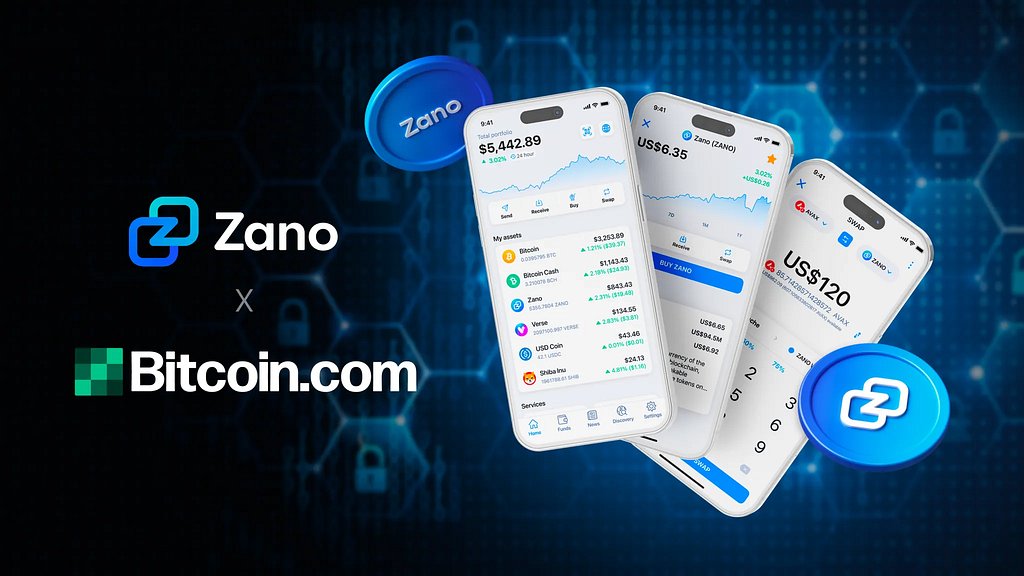
Bitcoin.com has added support for Zano, the most advanced privacy blockchain. This marks another major step toward making privacy-first finance accessible to millions worldwide.
👉 Get ZANO in the Bitcoin.com Wallet App now 👈
Why This Matters
In today’s world, financial privacy isn’t just a luxury — it’s a necessity. Every transaction leaves a trace, and without privacy, individuals are vulnerable to surveillance, exploitation, and censorship. That’s why Bitcoin.com is dedicated to integrating tools that put financial control back into users’ hands. And Zano? It’s built for exactly that purpose.
https://medium.com/media/8cfbeae8cb679013dd3e3c191454257e/href
Bitcoin.com CEO Corbin Fraser put it best: “Financial transactions are deeply personal. Privacy should not be optional — it should be standard.” That’s the mission Bitcoin.com is committed to, and the integration of Zano is a powerful step toward that goal.
What is Zano?
Zano is a layer-1 blockchain that ensures transactions remain untraceable and confidential. It’s designed by Andrey Sabelnikov, the lead developer behind CryptoNote — the protocol that powers Monero and many other privacy-focused projects. Since launching in 2019, Zano has been steadily gaining traction, and now, with support in the Bitcoin.com Wallet app, even more people can experience truly private crypto transactions. Dive deeper into Zano in our Learning Center here.
What Makes Zano Special?
Zano isn’t just another privacy coin. It’s a privacy-first platform designed for secure, scalable, and anonymous transactions. Zano enables untraceable and unlinkable transactions — not just for ZANO token, but also for any tokens built on the ZANO chain. Some of its standout features include:
- Confidential Transactions — Your financial data stays private, always.
- Confidential Assets — Soon, users will be able to hold and transact assets on Zano that maintain full privacy, such as stablecoins and even Bitcoin itself in wrapped form!
https://medium.com/media/fababbe4e1771ac2c2e36f6f48f5beb3/href
- Hybrid PoW/PoS Consensus — A balance of security and efficiency.
- Self-Custody — Full control over your assets, no third parties involved.
Trade, Swap & Use Zano in the Bitcoin.com Ecosystem
The Bitcoin.com Wallet app is one of the most widely used self-custody crypto wallets in the world, with over 60 million wallets created. That means millions of people now have direct access to Zano’s powerful privacy tools, all within a secure and intuitive app.
Ready to start using Zano now?
How to Use Zano in the Bitcoin.com Wallet
With Zano natively supported in the Bitcoin.com Wallet app, transacting privately is easy. Whether you want to send, receive, or swap ZANO, it’s all possible right inside the Bitcoin.com Wallet app.
For step-by-step instructions on how to use Zano in the Bitcoin.com Wallet app, including creating your Zano wallet, swapping, sending, and receiving, please refer to the following video:
https://medium.com/media/62c6f474ebdde9e600b7d5ed8fbe6063/href
Creating a Zano Wallet
- From the app’s home screen, go to the ‘Wallets’ tab.
- Select ‘ADD/IMPORT WALLET’.
- Choose Zano as the wallet type.
- Enter a name for your wallet.
- Tap ‘CREATE ZANO WALLET’.
And that’s it! You’ll now see a Zano wallet on the app’s home screen.
Swapping into ZANO
- From the app’s home screen, tap the Swap button.
- Select the asset and wallet you’d like to swap from.
- Choose ZANO as the token to swap into.
- Enter the amount to swap, confirm the details, and slide the arrow to complete the swap.
That’s it! Your ZANO will appear in your wallet shortly.
Receiving ZANO
- Tap the Receive button on the app’s home screen.
- Select ZANO from the list of assets.
- A Zano address will be displayed — share this address with the sender.
Sending ZANO
- Tap the Send button on the app’s home screen.
- Select ZANO as the asset to send.
- Paste in the recipient’s Zano address, or scan a QR code if available.
- Enter the amount to send, confirm the details, and slide the arrow to complete the transaction.
The Future of Financial Privacy
As regulations around digital assets evolve, solutions like Zano provide the tools needed to maintain financial autonomy without sacrificing usability. Bitcoin.com and Zano are aligned in their vision for a decentralized, privacy-first future — one where you control your money, and no one else.
Stay ahead of the curve. Download the Bitcoin.com Wallet app, explore Zano, and take the next step toward true financial freedom.
Zano Joins the Bitcoin.com Wallet: Private Crypto Just Got Easier was originally published in Bitcoin.com on Medium, where people are continuing the conversation by highlighting and responding to this story.